Café Espresso1.3
Publisher Description
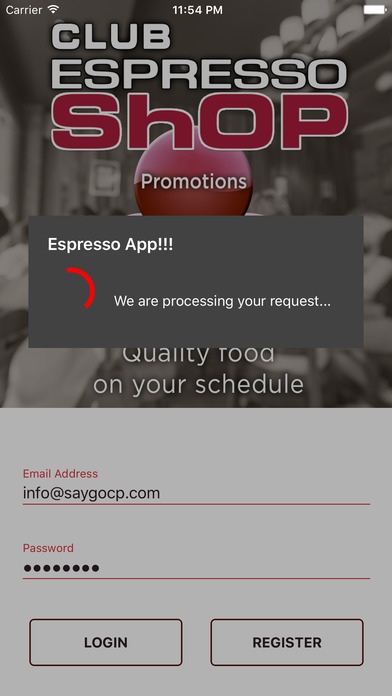
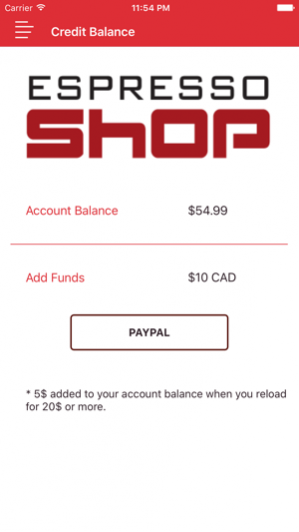
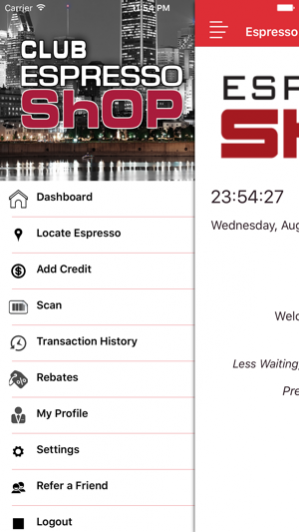
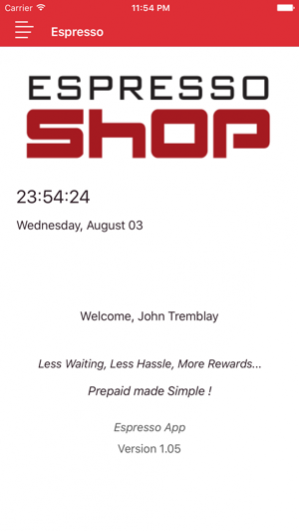
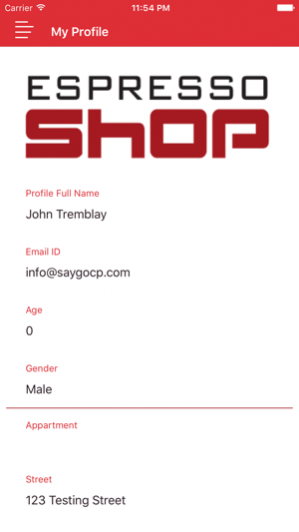
Introducing the Espresso Shop App...
Espresso Shop presents the brand new mobile application for iPhone devices. Download it on your smartphone today!
Features:
1. View Espresso Shop vending machine on Google map
2. Mobile Payment using Paypal
3. Barcode Scanning
4. View Transaction History
5. Rebates
6. Display and Edit Profile
7. New User Registration
8. Refer a Friend
About SayGo:
SayGo is a software technology company that develops prepaid loyalty platforms. At its core, our software operates as a powerful marketing tool for businesses, attracting customers to merchants by offering convenient transactions combined with loyalty incentives. By rewarding customers with fast and easy access to networks of merchants, they benefit. By providing merchants with secure, comprehensive solutions and data-gathering packages, they benefit.
SayGo is the marketing link between businesses and their customer base, and the technology link between networks of fellow businesses.
Our software is tailored to fit each stage of customers lifecycle. SayGo’s user-friendly platform and purchasing networks help acquire customers, while our bonus system helps retain them. On the merchant end, our software integrates seamlessly with existing POS systems, allowing businesses to start profiting almost instantly from a wider, growing network facilitated by SayGo’s platform.
Apr 7, 2017 Version 1.3
- Bug Fixing
About Café Espresso
The company that develops Café Espresso is SayGo CP. The latest version released by its developer is 1.3.
To install Café Espresso on your iOS device, just click the green Continue To App button above to start the installation process. The app is listed on our website since 2017-04-07 and was downloaded 2 times. We have already checked if the download link is safe, however for your own protection we recommend that you scan the downloaded app with your antivirus. Your antivirus may detect the Café Espresso as malware if the download link is broken.
How to install Café Espresso on your iOS device:
- Click on the Continue To App button on our website. This will redirect you to the App Store.
- Once the Café Espresso is shown in the iTunes listing of your iOS device, you can start its download and installation. Tap on the GET button to the right of the app to start downloading it.
- If you are not logged-in the iOS appstore app, you'll be prompted for your your Apple ID and/or password.
- After Café Espresso is downloaded, you'll see an INSTALL button to the right. Tap on it to start the actual installation of the iOS app.
- Once installation is finished you can tap on the OPEN button to start it. Its icon will also be added to your device home screen.
Program Details
System requirements
Download information
Pricing
Version History
version 1.3
posted on 2017-04-07
Apr 7, 2017 Version 1.3
- Bug Fixing
